

Step by step
Zigbee: the basics for lights and sensors
How Zigbee connects lights and sensors without Wi-Fi: coordinator, routers, battery devices, channels, range and what to check before buying.
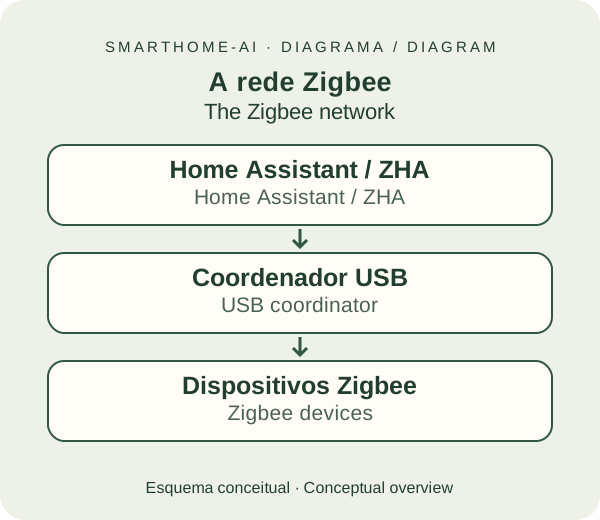
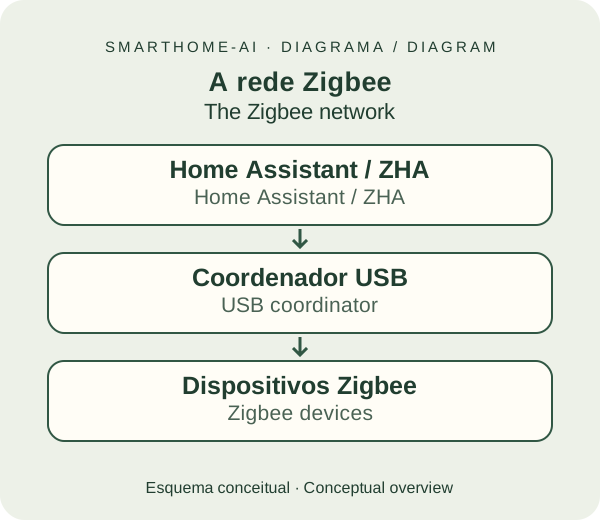
Zigbee is a wireless connection used by sensors, bulbs, plugs and buttons. The devices talk on a network of their own; they do not join your Wi-Fi individually.
Think of a radio conversation: the sensor says "the door opened" and Home Assistant can turn on a light. Zigbee is the standard used in that conversation. It uses very little energy and is great for small messages — not for streaming video.
Wi-Fi keeps serving your phone and other devices. Zigbee devices use a separate network that can work without the internet.
The bridge to Home Assistant
This is the ZBT-2.
It is the Zigbee radio connected over USB to your HAOS hub. As the coordinator, it creates the network. ZHA, already included in Home Assistant, manages the devices through the screens.
You need one coordinator for the whole network, not one per sensor. Green, Raspberry Pi and mini PCs can all use the ZBT-2.
Small devices, very practical jobs.
Door and window sensor
Reports when it opened or closed.
SONOFF SNZB-04PProduct reference ↗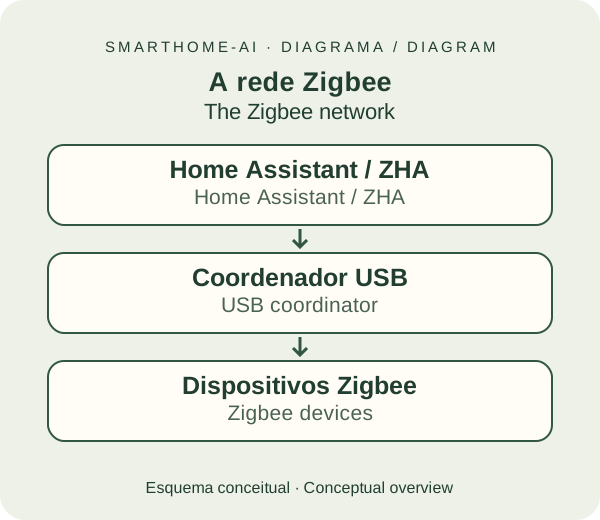
Motion sensor
Detects movement to turn on a light.
SONOFF SNZB-03PProduct reference ↗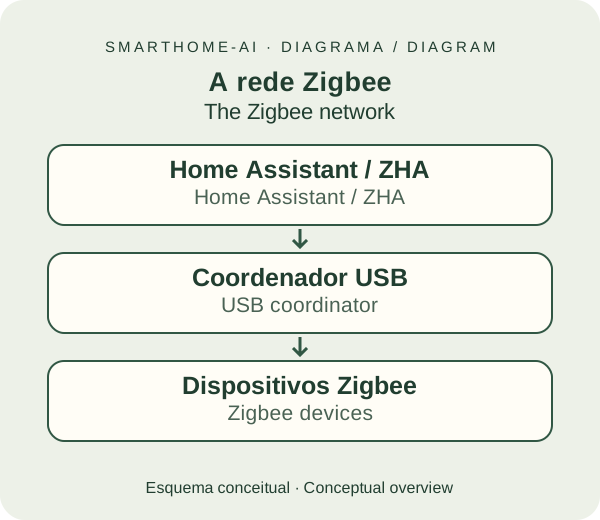
Wireless button
One press can call a scene.
SONOFF SNZB-01PProduct reference ↗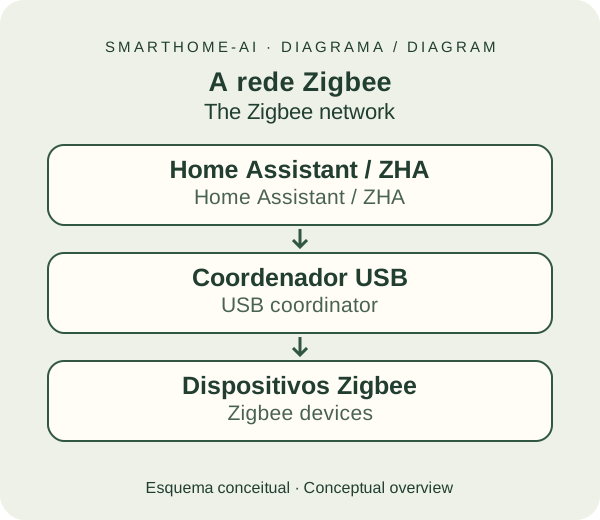
In-wall switch module
Controls the light and also repeats the signal.
SONOFF ZBMINIR2Product reference ↗These are examples: check the model's functions in ZHA. The ZBMINIR2 needs a neutral wire and installation by an electrician; the sensors and the button run on batteries.
A simple network, inside the house
Who talks to whom?
Devices that repeat the signal help messages travel further. That forms a mesh network.
Routers can also exchange messages with each other. A sensor may connect directly to the coordinator or to a router; the drawing shows only one example of paths.
Router: helps the neighbours
Forwards messages from other devices. It must stay powered; here "router" is not your Wi-Fi router.¹ Not every mains-powered device repeats the signal: check the model.
End device: minds its own job
Sends and receives its own information without forwarding the neighbours' messages. Battery sensors and buttons are usually end devices: they save energy to last longer.
References: ZHA / Home Assistant · Photo credits
Why start with Zigbee?#
- Low power: suits small, battery-powered sensors.
- Plenty of choice: devices in many categories from many manufacturers.
- Local control: with ZHA, communication with the hub happens inside the house.
- A network that grows: compatible mains-powered devices repeat the signal.
Those advantages make Zigbee a good choice for our first light and first sensors. Price, quality and features vary by model.
What are the limitations?#
A coordinator is required. Walls, metal and other 2.4 GHz equipment can interfere. Not every function of every manufacturer shows up in ZHA: check the model before buying.
A Zigbee device belongs to one network at a time. If it was on another hub, it usually needs to be put into reset/pairing mode as described in the manual.
Channels, Wi-Fi and range#
Zigbee and 2.4 GHz Wi-Fi share the same band. Zigbee channels 15, 20 and 25 sit between the common Wi-Fi channels 1, 6 and 11, so they are the usual safe picks; ZHA chooses a channel automatically on the recommended installation. Decide this before pairing the first device, because changing the channel later means pairing everything again.
Indoors, count on roughly 10 metres per hop through typical walls, less through concrete or metal. The cure for range is not a stronger coordinator but more routers: a mains-powered bulb, plug or switch in each important room. Keep the coordinator on a short USB extension, away from USB 3.0 ports and SSDs, which emit noise in the same band.
What to check before buying#
- The exact model, not just the brand, in the ZHA community reports or the Zigbee2MQTT device list.
- Power source: mains devices extend the network; battery devices do not.
- Neutral wire for in-wall switches and modules; many homes have no neutral at the switch box.
- "Zigbee 3.0" on the box, which means a device certified to the current standard.
- What the device exposes: on/off only, or also brightness, colour temperature, energy, battery.
What about Thread?#
Thread is also a low-power network and can form a mesh. It is used by many Matter products, but needs a Thread border router to connect to the home network.
It is useful for devices shared between ecosystems. The downside, for a beginner, is one more requirement to check. Zigbee and Thread are different networks; a Zigbee sensor cannot join Thread.
First, understand what Matter is (in Portuguese). Then set up ZBT-2 + ZHA through the screens.
There is an alternative, Zigbee2MQTT, covered in further learning (in Portuguese). It is not needed on this path.
